Monday, July 13, 2009

Mo Q & A>>>flipping brushes

Q: Diane said...

How do you flip a brush? Like your botanical swirl brushes, I would like one on one side of my document and then flip it over to go on the other side of the documents. Appreciate any help. Just downloaded 7 of your digi files and having a blast. Plan on using the "July 4" on little bags of cookies to sell at our carnival this weekend (Would that be alright?)It is for a school fundraiser. Love your work!

A: Rhonna said:
#1. How cool is THAT to use the July 4 kit for bags of cookies! WTG! Yes, if you purchase a kit with a Personal License, then you can use them for any
personal use that is for non-profit. This fundraiser sounds great. Of course, any time there is the opportunity for you to link or share where you got the art, we'd love it! Thanks

#2. Brushes. Yes...you
can flip brushes, but it all depends on your program. The newer versions of Photoshop & Photoshop Elements allows you to go into a Brush Tab & flip, space, rotate, etc! But, older versions of the programs don't have this handy dandy palette. One HUGE reason to keep updated on your versions of software...they make life easier!

Ok, so on to the little tutorial on how to flip your brushes!
1. Go to: Window>Brushes. This will bring up a Brush Palette that looks like this:
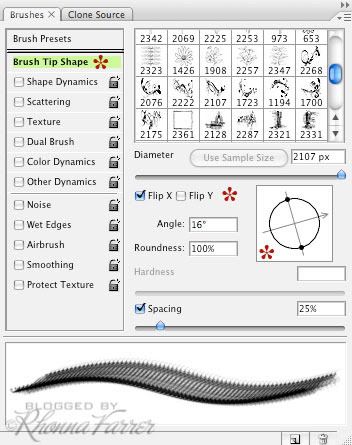
Note: I keep my Brush Tab docked just because I use them all the time!

2. By
Default it may look different than above, so make sure you have to click on Brush Tip Shape to see this window. (Make sure all other categories are un-checked, too.)
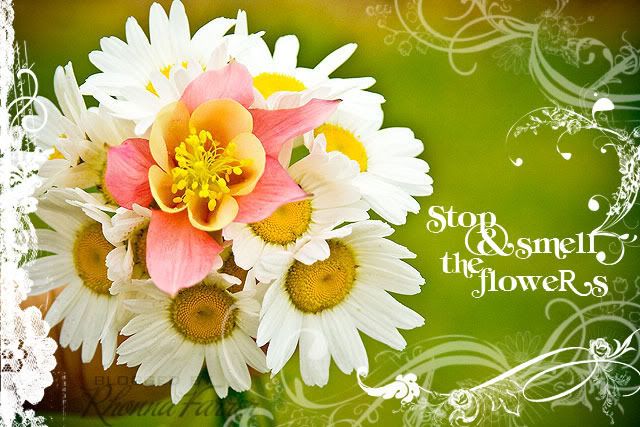
  • Flip: Notice the Flip X & Flip Y boxes. This is where you will flip your brush Axis. So helpful. & so fun! The top image of the flowers was done with the House of 3 Rhonna Botanical Swirls & I flipped the axis until I liked it. But, I also wanted to rotate the brush a bit.
  • Rotate: Notice the circle with the arrow & dots. You can rotate your brush with your mouse by clickin on that arrow & simply turning/rotating it how you want it. OR you can go directly into the box at the left that says Angle & type in the degrees.
  • Spacing: Notice the Spacing box. This is the place to space your brushes. So, say you want an evenly spaced dotted line. This is where you'd do it. Simply select a round brush, go into this Brush Tab & adjust the Spacing slider until you get the desired effect. **TIP: To get a straight dotted line, hold down your Shift Key while dragging your round, spaced brush.
  • Diameter: This is also a great place to adjust the diameter (size) of your brush on the Diameter slider. **TIP: a short cut to make your brushes smaller is: With your brush selected, hit your [ key & to get your brushes bigger, hit your ] key.
Ok, hope that answers your questions on the flipping of the brush!
enjoy!
R

Friday, July 10, 2009

Friday happiness....& a winner!


Happy Friday!
and...random counter said it was Kerry (scrappinchic) who's the winner of some House of 3 goodies! Congrats, girl! All of you are seriously doing a fab job with Jessica's class! Love seeing the Hof3 Sample kit being used in so many ways! WTG! Be on the look out for more House of 3 specials with Jessica!

busy time. Lots to do for next week:
  • Prep time: I'm enjoying getting our presentation finished for this week's Moms Who Make it Conference. For all you locals, get your tickets. It's going to SERIOUSLY be a very inspiring day! I'm so excited!
  • Exercise Time: As promised, I'll be talking more about cReativity, ruts & how-to get out of them this next week. Still tweaking & getting it all right.
  • inspiRation Time: Getting a fun inspiRation project ready! complete with giveaways! Check back next week!
  • It's Time: ...for a new laptop. I'm so excited to caress &cuddle with my new Macbook Pro! yes...i do love me some new technology! & I'm in desperate need of a faster machine!
happy weekend, everyone!
R

Wednesday, July 8, 2009

new fonts & a smiley face>>>

um. ok. can i drool over this new House of 3 font? House Rules.
Yes. it does. it rules.
I've been using it & loving it.
**insert big smiley face on me**
It's a bit grungy, but sassy. Funky and distressed. Adds flair & funk to any project! Remember: House of 3 offers personal, photography, limited commercial licensing & even hooks you up if you own a store...so, grab it now! I promise you'll love it!
And...House Magnet was only available through our Magnet Board kit before. But, with our new Font section launching...we're offering it as a single font now. pure stamped, distressed antiquity! Upper & lower case are different sizes, so you can mix & match...oh so fun! The numbers are Heidi's handwriting for some ecclectic goodness!
love it. kick it. own it. flaunt it. Design District font was our first. We had it exclusively in our Valentine Book kit. And we've used it on soooo many of our projects. It's mismatched & ecclectic: sans serif & serif for a very cool & funky font! Now available as a single font! enjoy!
And another new one! This one, House Dingbats, is a dingbat font. ...fabulous, fun, whimsical notions. Upper case is handwritten, graffiti type of art with Heidi's words & drawings. Lower case is my art with swirls, birds, a chair, flowers & flourishes! The image above was all created with most of the 56 images in the font...even more you don't even see! It's a fun image font!
And...by popular demand...the new Brush Strokes font! Ever since this alphabet has been offered in stores as acrylic stamps I've had people asking if I would ever make it available as a font! I finally did it (3 years later)...& I'm excited to offer it as a House of 3 font!

also...we released a Chic Card Kit that is oh so cool as well as the new Summer Book kits. Both are offered as hybrid printable kits in PDF format AND digital kits with brushes & pngs! Check out the cool ideas for these kits here at the Inspiration House!
Love what Janet & Heidi did with the kits! mmm... if only I had 10 more hours in the day! LOL!
enjoy!
R

Q & A: **digital bRushes**

First of all. I love digital brushes. I remember the first time I discovered them. It was about 6 years ago & I stayed up all night. playing. with my jaw on the floor.
i
couldn't
stop.

6 years later & I have learned a ton about brushes. I use them every day. I make them. I share them. I save them. I download them. I am a brush addict!
so...
Today's Q & A is about brushes.
...this time it's a question from an email:
Stacy asked:
I love your Rhonna Designs brushes! I have Photoshop 7 & so  your brushes don't work. I hate to miss out. Is there anything I can do?

Good news, Stacy! YES>>>>you can still use my Rhonna Designs brushes! You will just need to open up the PNG files & create your own brushes. Then, you can use them just as she shows you in the class!


1. Open your PNG image to create your brush.
2. Go to SELECT>ALL.
3. Go to EDIT>DEFINE BRUSH. Name your brush when the box prompts you.
Voila! You've created a brush!

**This doesn’t mean your brush is saved. You may still lose it unless you save it.

Saving Brushes:
1. Select your Brush Palette. Notice the arrow.

Select the arrow & you will see the drop down menu.

2. Here, you will see where you can Reset, Load, Save, & Replace your brushes.

Hit Save & you’ve saved your brush.

There’s tons more to the world of brushes, but this is a start.
**for another little video tutorial; check out this!


&...speaking of brushes...one of my daily blog stops, Besottedgave a shout out HERE!
I love her brushes & love that she has the 'i'm very NICE' badge on her blog. She is. Very nice. She said some very kind things HERE!
So...the above image is one of her free flourish brushes along with some of mine. See how many cool, wonderfully fabulously scrumptious things you can do with brushes?
It will blow.
your.
mind!
enjoy!
R

Tuesday, July 7, 2009

Tuesday Q & A::Frames

First question comes from Jen...
Blogger
Q: jen said...

Yes! First! Alright first, you are just too darn creative! That july kit is justLink amazing!
Secondly my question is: When you post pictures on your blog, you have great framing overlays for them. Are you creating them from scratch, getting them from Hof3, etc? Details! :D Especially the one on "Monday's goodness" post. Thanks!

A: rhonna said...
Most of my blog frames already exist...I use House of 3 frames! Here are some of my faves:
Negatives Kit.
Rounded Corners Kit.
Rounded White Corner Kit
Ornate Frames Kit
Round in Circles Frame Kit
House of 3 Frames Kit
& if I don't want a full frame border...these House Edges are so fab. I like to stamp just 1 or 2 sides for added interest!

But, the one I used for Monday's Goodness was created from scratch. Meaning..I simply used a bunch of brushes I have created & pieced them together.
Details: It's a lot faster to use the pre-made frames & very rarely do I make them from scratch! When they are brushes, simply refer to this tutorial for guidance. When you have colored or black PNG files, go here!
More help:
Here's a tutorial on how to use the Rounded Corners Kit!
>>>>Tips on Brushes.
more answers to come....
R

Monday, July 6, 2009

unplugged....


no internet.
no email.
no nothin.
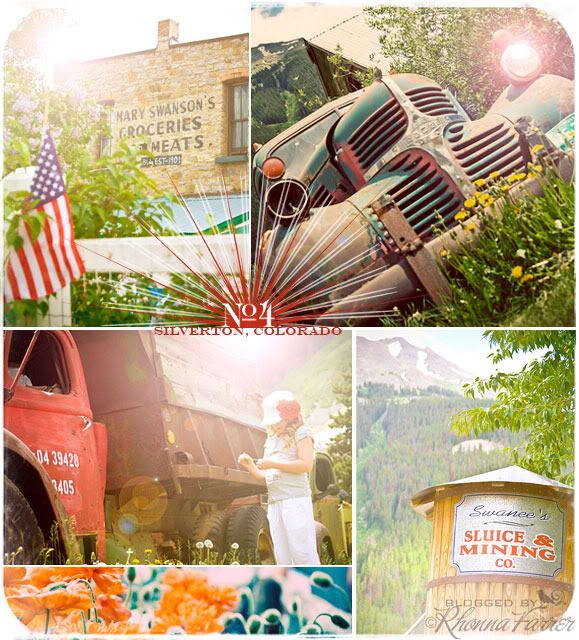
up in the mountains of Colorado...with family.
sheer bliss.
It was so amazingly beautiful & we hiked, laughed, biked, ate, swam, laughed, bungee jumped, rode a buckin' bronco, slid (I crashed) down the alpine slide & enjoyed bonding as a family. 25 grandkids = a bit of crazy (& we missed 2 of them greatly...but, Jeff & Cherie
were occupied! congrats, guys!)
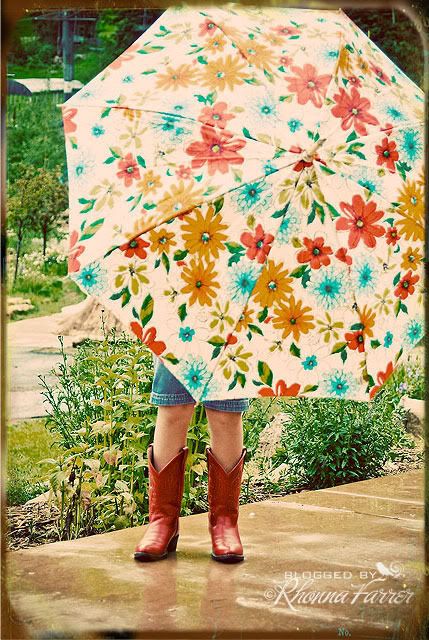
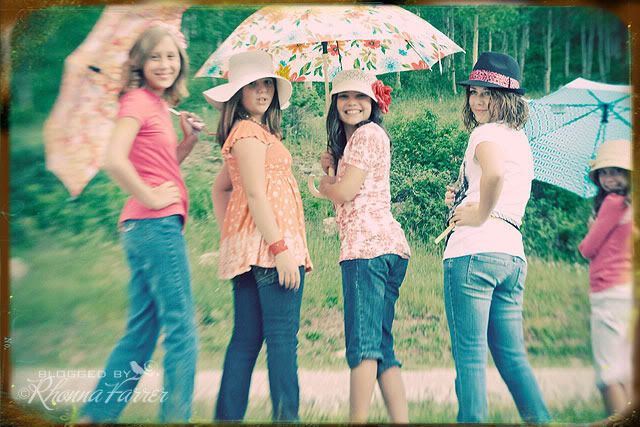
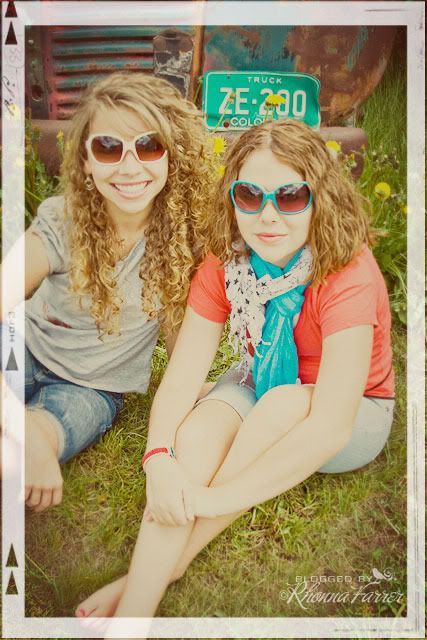
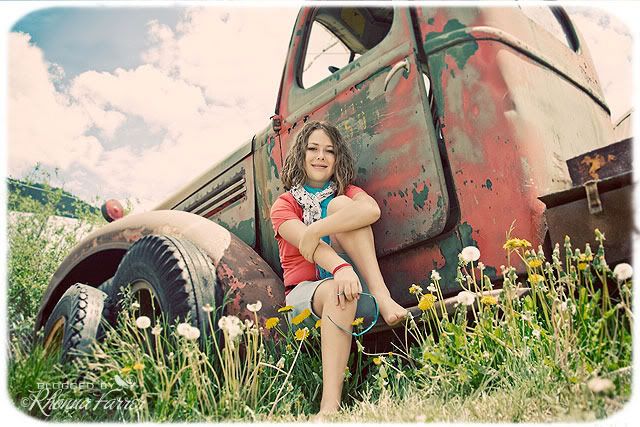
My sister has an amazing eye & she brought fab, colorful props for taking pics! We had too much fun with all of the girl cousins...the photo shoots were fun memory makers!

Amazingly beautiful bailey....
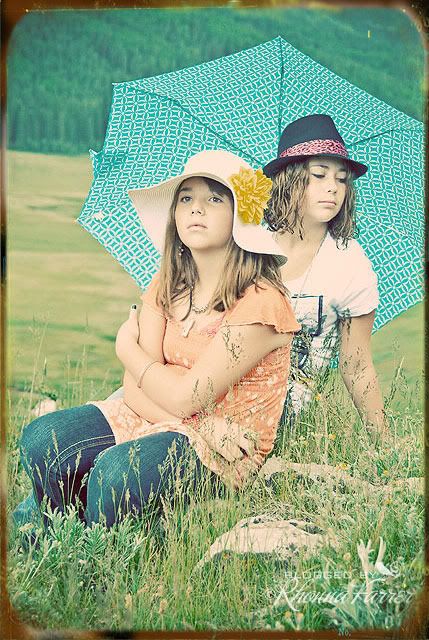
these 2 girls melt my heart!

fun hats. umbrellas. out in the woods...it was so gorgeous...then, it poured! good thing we had the umbrellas!

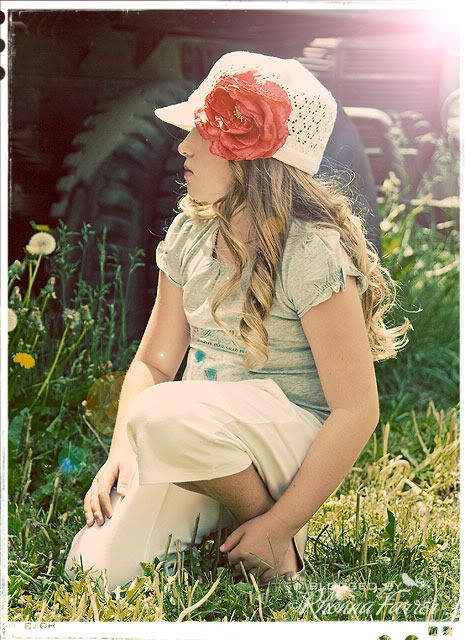
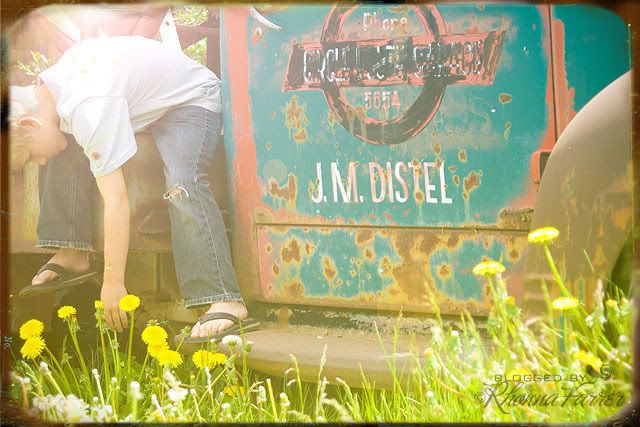
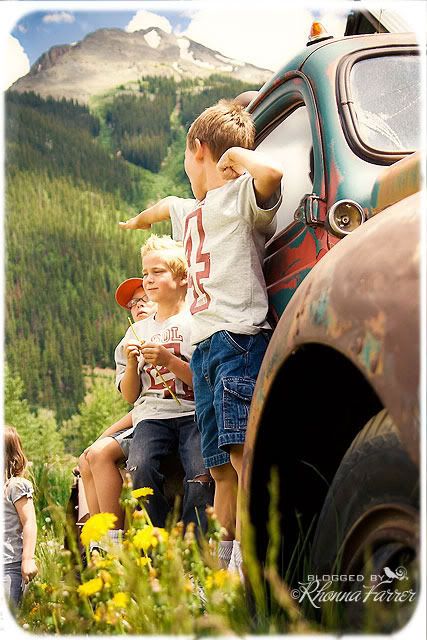
We found these cool trucks lined up along someone's fence. they were out having their 4th of July bbq & I stopped & asked if we could take pics. 25 grand kids poured out of cars & we shot fast & furious as they just played on them!
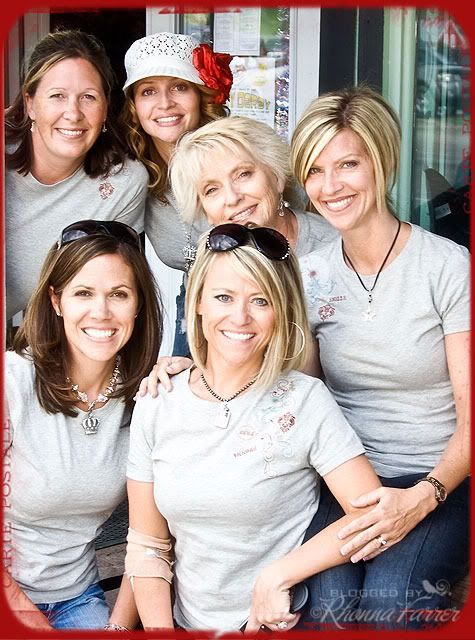
fudge, fireworks, old towne goodness....even the Hof3 4th of July Tees we made were a huge hit! Even the little stubborn ones loved & wore theirs! *wink*

Family is what it's all about for me...spending time, making memories, bonding with each other & the kids....our week was one filled with gratitude, love & FUN!

We missed Cherie greatly, but loved being together as moms, women, wives, sisters...family! They are all amazing & truly inspire me to want to be my best self!
**they wore their 4th of July shirts, too! :)***elbow still bandaged 3 days after I left most of it on the alpine slide track...i have GOT to slow down!**
(frames on photos: House of 3 Rounded White Corner Kit, Rounded Corner Frames & Negative Frame Set.)
Blogger
Also...to learn more about using frames & such to make your photos *pop*...Jessica Sprague just started a FREE online workshop including an exclusive House of 3 kit! Go check it out!
R